
General description
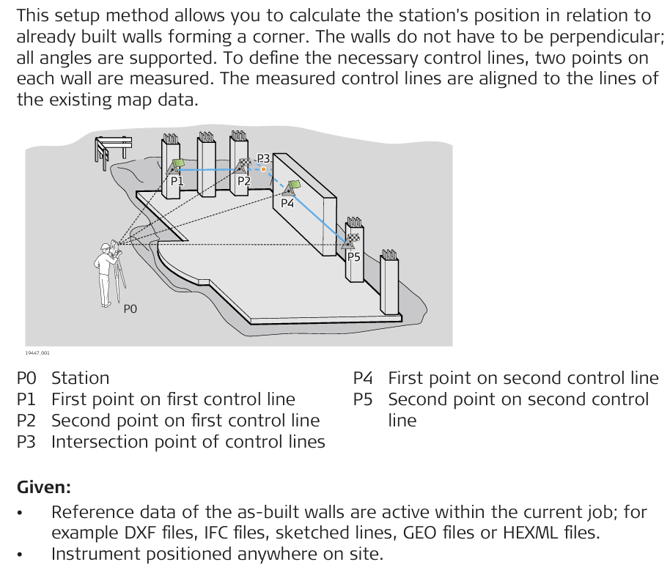
Set up to as-built walls
- Open the Setup app.

iCON site: Optionally, select Setup from the Favourites key. - Select As Built Walls. For an overview of available setup methods refer to General
Description. -
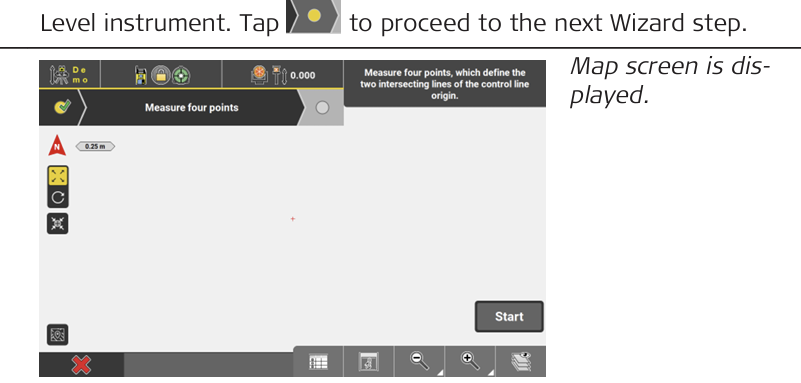
- Set the prism type to Reflectorless or use AP20 tilt. Measure four points, which define the two intersecting lines of the control line origin.
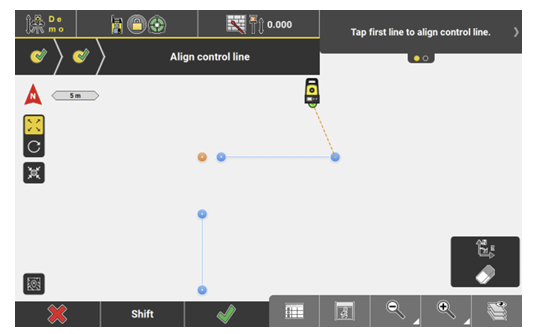
- To align the control line, select the line/two points defining the line from the loaded reference file which corresponds to the first measured line.
- Select the line/two points defining the line which corresponds to the second measured line.
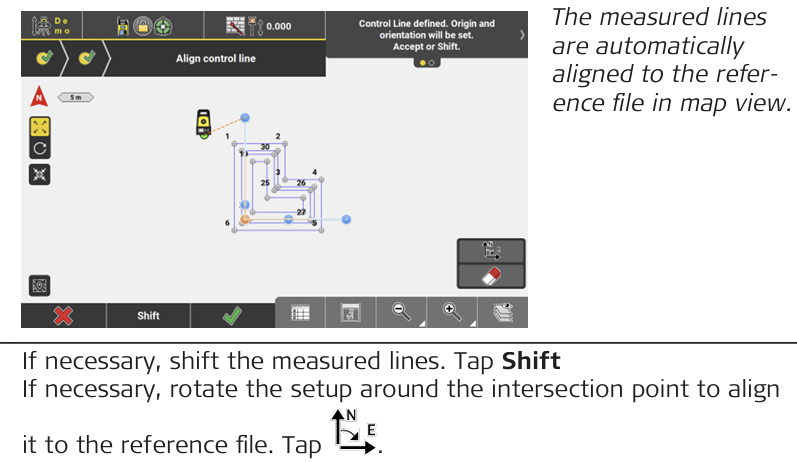
- To finish station setup, tap
 (The station coordinate and orientation are saved).