General description 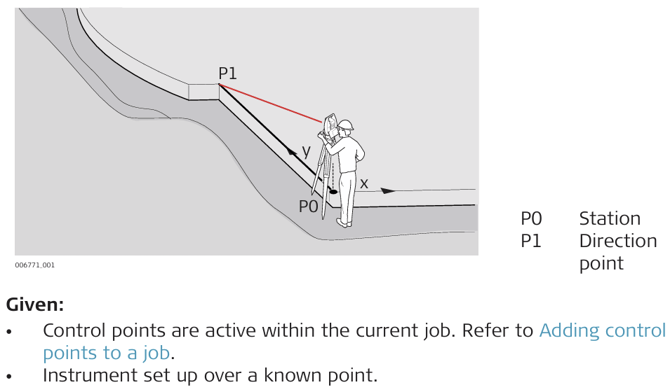
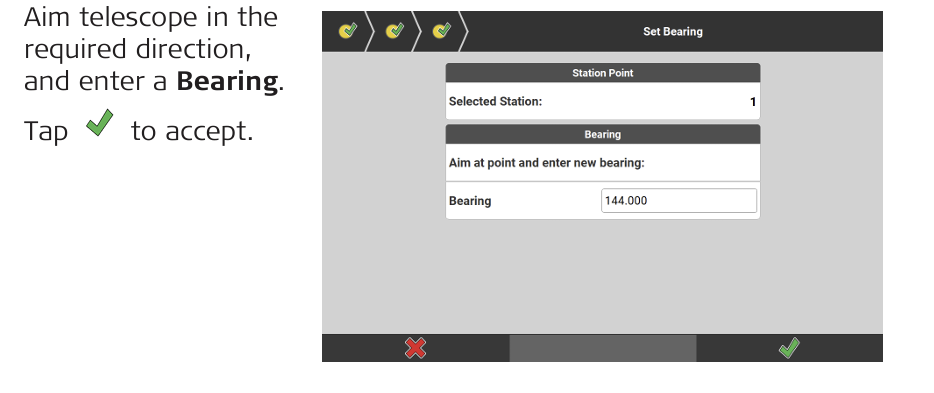
Set station orientation step-by-step
- Open the Setup app.

iCON site: Optionally, select Setup from the Favourites key. - Select Set Orientation. For an overview of available setup methods refer to General Description
-
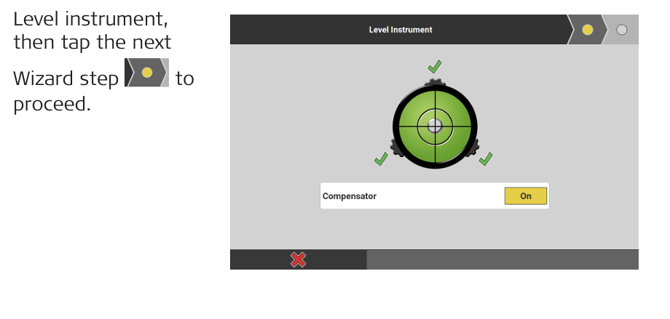
-
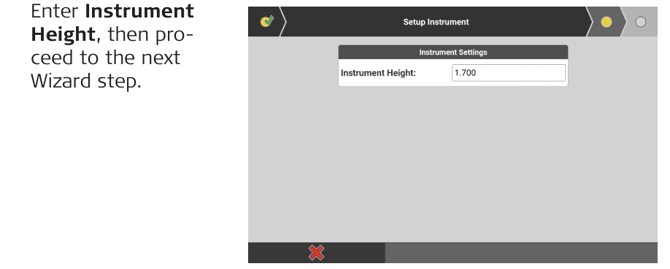
-
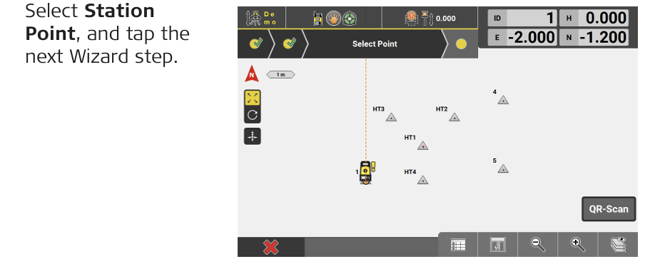

-

General description
Set station orientation step-by-step