
- Methods dedicated to calculating the position of the instrument on the
current drawing - Using one of the methods is required if the Job contains data.
- The drawing must contain elements which can be measured in reality, for example control points, walls or grid lines.
- Also used when relocating within the same drawing
How to access Instrument Setup from Projects Screen:
How to access from measuring workspace:
- Tap on the tools icon.
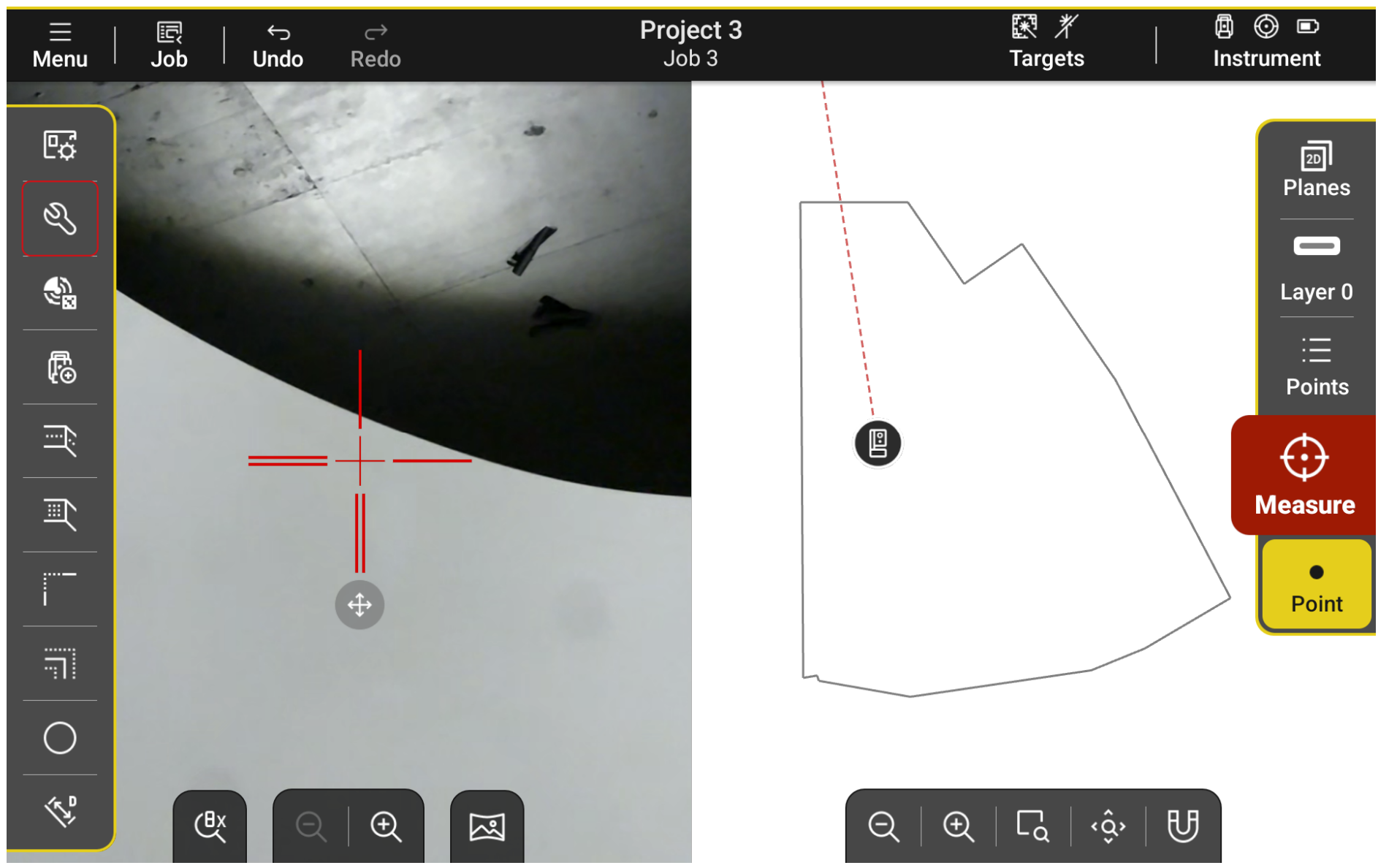
2. Open the Setup Tools tab.
3. Start New Setup.
| Icon | |
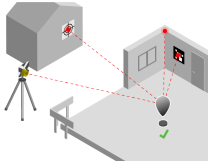 |
Known Points |
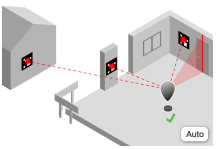 |
vTargets (auto) |
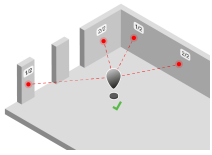 |
Walls/Grid Lines |
 |
Last Setup |
☞ To check the current setup quality or capture data for setup, use the Setup Tools .
☞ Measure first two points at the exact same position to setup the instrument at coordinates 0,0,0.